Quick answer
In the WhatsApp Business app, open the Tools tab, tap Away message, turn on Send away message, edit the text, set a schedule and tap Save. The wording does the real work: ask for the 2 details you need to answer properly (a suburb and a photo for a trade, dates and guest numbers for a guesthouse), so your first real reply can be a price or a yes.
Before you change anything, try this. Open WhatsApp, scroll back through last week's chats, and count how many customers waited more than 2 hours for a first reply. If the answer is more than 2 or 3, this guide is for you.
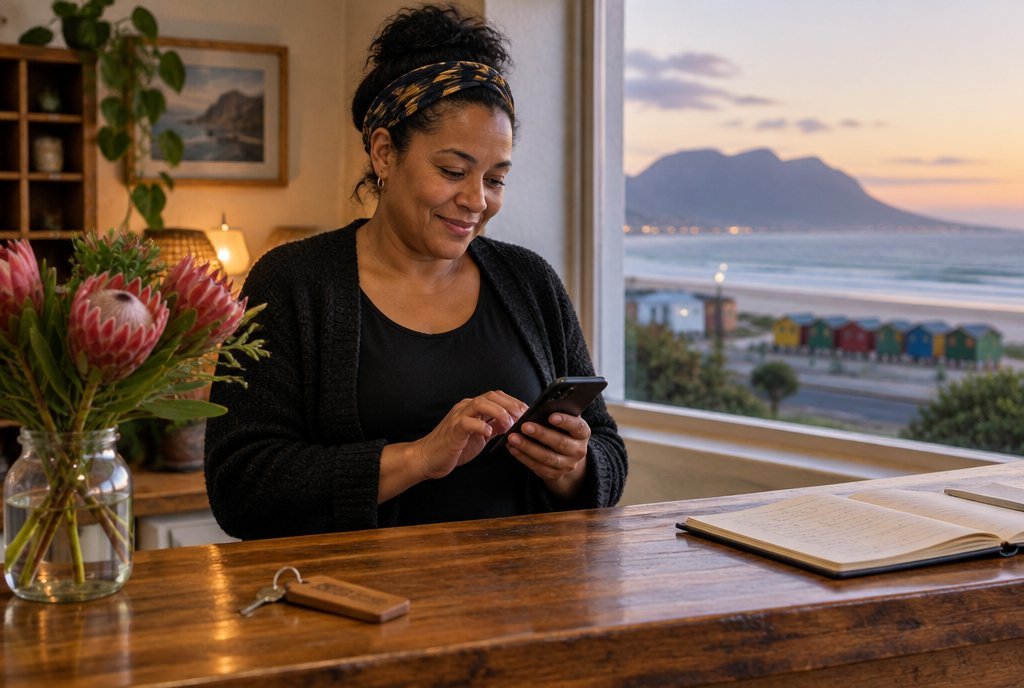
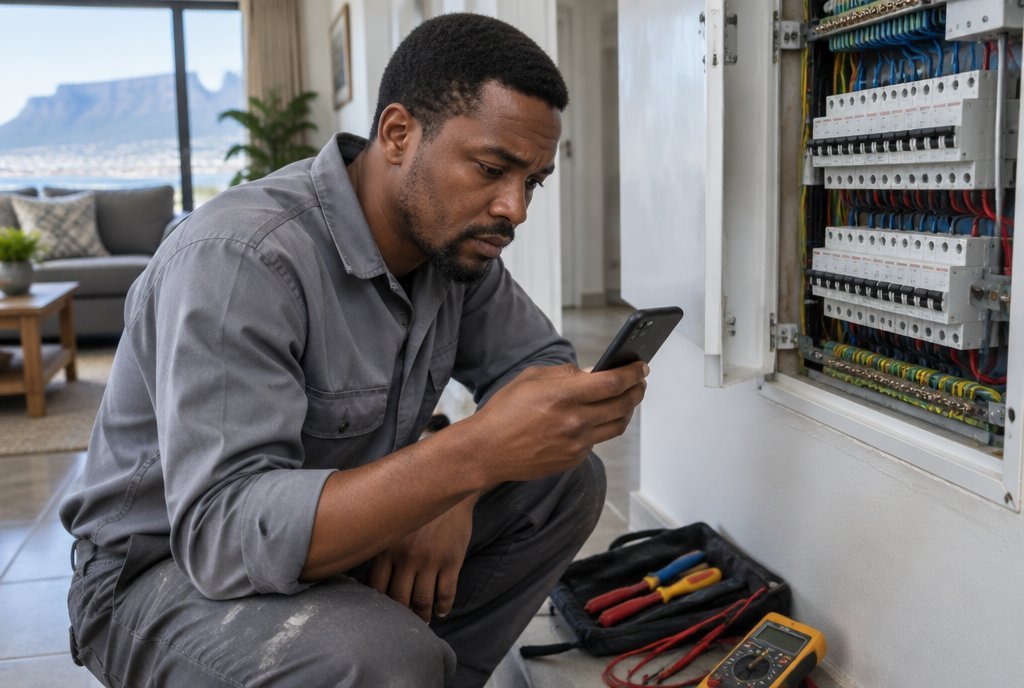
Most of the time you're simply busy, under a sink in Durbanville or checking in a family of 5 while the phone buzzes in your pocket like a taxi hooter on Voortrekker Road. The customer on the other end can't see any of that. They see silence, and they message the next business on the list.
A good away message tells the customer they've been seen and asks for the details you'll need, so when you do reply you can quote or confirm straight away instead of starting with "where are you?". Someone still has to reply, and the wording of your away message decides how quickly that reply turns into a booked job.
How do I set an auto reply on WhatsApp Business?
Open the Tools tab in the WhatsApp Business app, tap Away message, turn it on, edit the text, pick a schedule and who gets it, then tap Save. It takes a couple of minutes, and your phone needs data for it to send.
- 1
Open Tools, then Away message
The Tools tab sits along the bottom (or top) of the WhatsApp Business app. Older guides send you through Settings; the current app puts it in Tools.
- 2
Turn on Send away message and edit the text
Tap the message, replace it with one of the versions below, and tap OK.
- 3
Choose a schedule
Always send, a custom schedule, or outside of business hours. The last option only appears once you've set business hours in your business profile, so set those first.
- 4
Choose who receives it
Everyone, everyone not in your address book, everyone except people you pick, or only people you pick. "Everyone not in address book" stops your mother getting a message about call-out fees.
- 5
Tap Save
Send a test message from someone else's phone to see exactly what a customer sees.
Steps from WhatsApp's help page "How to use away messages", checked 9 November 2026. These tools are only in the separate WhatsApp Business app, not in normal WhatsApp.
What should a WhatsApp away message say?
3 things: that you've seen the message, when you'll reply, and the 1 or 2 details you need to give a proper answer. Keep it under 40 words so it reads in one glance on a phone.
It's tempting to stop at "Thanks for your message, we'll get back to you soon." That's polite, but it wastes the wait. If the customer sends their suburb and a photo while you're busy, your first reply can be a price. If they don't, your first reply is a question, and every extra round of questions is another chance for them to go quiet.
Promise a time you can keep. "By 5 pm" is better than "soon", and "within the hour" is only worth writing if it's true on a full December Saturday.
Away messages and quick replies for plumbers, electricians and other trades
Use an "on a job" away message that asks for the suburb and a photo, quick replies for your call-out fee and same-day availability, and lists to see who still needs a quote.
Paste this as your away message, with a custom schedule for working hours:
Hi, thanks for messaging [Business name]. We're on a job and will reply by [5 pm]. To help us quote faster, please send your suburb and a photo of the problem. Burst pipe or no power? Call [number].
And this one for outside business hours:
Thanks for messaging [Business name]. We're closed for the day and will reply from [7:30 am]. Send your suburb and a photo, and we'll quote first thing.
3 quick replies to save tonight
Quick replies live under Tools, then Quick replies. Give each a shortcut, then type / in any chat to pick it. You can save up to 50.
- /callout: "Our call-out fee in [area] is R[amount], which covers the first [30 minutes]. Parts and extra time are quoted on site before we start."
- /today: "We can usually fit in same-day jobs booked before [11 am]. Send your address and a photo and I'll confirm a time."
- /areas: "We work in [Bellville, Durbanville, Parow, Goodwood]. Outside those areas we add R[amount] travel."
4 lists to stop quotes going missing
Labels are now called lists in the app (Tools, then Lists, then add a new list). Create Needs quote, Quote sent, Booked and Paid, and move each chat along as the job moves. On Friday afternoon, open "Quote sent" and follow up on anyone who hasn't answered.
Want to see what a customer actually gets from your business after hours? The missed-lead test sends a real enquiry and shows you the result.
Away messages and quick replies for guesthouses
Use a "with guests" away message that asks for dates and the number of guests, quick replies for rates, availability and check-in, and lists to track deposits. Your WhatsApp link belongs on Google, not Booking.com.
Paste this for the day, with a custom schedule:
Hi, thanks for messaging [Guesthouse name]. I'm with guests and will reply within [the hour]. To check availability, please send your dates and how many adults and children are travelling.
And this one for after 9 pm:
Thanks for your message. Reception is closed for the night and I'll reply from [8 am]. Send your dates and number of guests, and I'll have availability ready for you.
4 quick replies to save tonight
- /rates: "Our rooms are from R[amount] per night for 2 people, including breakfast. December rates apply from [date]."
- /available: "Thanks! Let me check [dates] for [number] guests, and I'll come back to you within [time]."
- /checkin: "Check-in is from [2 pm] and check-out by [10 am]. Arriving later? Just let us know your time."
- /directions: "We're at [address]. Here's the pin: [Google Maps link]. Parking is [on site / on the street]."
4 lists for the December rush
Create Enquiry, Deposit pending, Confirmed and Arriving this week under Tools, then Lists. Each morning, open "Deposit pending" and send a friendly nudge to anyone past your deadline. December, when half of Gauteng arrives on the N1, is the worst month to lose track of who has paid.
Your WhatsApp number won't show on your Booking.com listing. Booking.com writes your property description from your Extranet details, and its partner guide says personal information such as phone numbers and email addresses “won't be displayed”. Put your link on your Google Business Profile, your own website and your Instagram bio instead. Source: Booking.com Partner Help, “Guide on updating your property page”, checked 9 November 2026.
Direct enquiries are the ones that save you commission. Our guide to Booking.com versus direct bookings shows what that's worth over a year.
Where should my WhatsApp link go?
On your Google Business Profile, your website and your social bios. Use a click-to-chat link in the format wa.me/27 followed by your number without the first 0, so customers can message you in one tap.
A Cape Town number like 061 863 9582 becomes https://wa.me/27618639582: drop the leading 0, add 27, and leave out spaces, brackets, dashes and plus signs.
To add it to Google: open your Google Business Profile, choose Edit profile, then Contact, open the Chat section, select WhatsApp, paste your link and save. According to WhatsApp, a profile with a WhatsApp number shows a chat button when your business appears in Google Search and Maps. Our Google Business Profile guide covers the rest of the profile.
Link format and Google steps from WhatsApp's help pages "How to use click to chat" and "How to create a link to your WhatsApp from your Google Business Profile", checked 9 November 2026.
What are the downsides of WhatsApp Business?
It only buys time, it depends on your phone having data, quick replies are capped at 50, and a team sharing 1 number has to agree who answers what. Plan for each of these when you set it up.
- It doesn't reply for you. If nobody follows up, a polite away message just delays the disappointment.
- Your phone needs data. WhatsApp says away messages only send while the device has an internet connection. A phone left on a dead battery in the bakkie sends nothing.
- Quick replies are capped and fragile. You can save 50, and a deleted one can't be recovered. Keep a copy of your best ones in your notes.
- Shared numbers need rules. If 2 people answer the same WhatsApp, agree who owns which chat, or customers get 2 different prices.
The 15-minute set-up checklist
- 1
Set your business hours
In your business profile, so "outside of business hours" appears as a schedule option.
- 2
Paste 2 away messages
1 for when you're busy, 1 for after hours, with your own times and details filled in.
- 3
Save 3 or 4 quick replies
For the questions you answer every day: price, availability, area or check-in, directions.
- 4
Create 4 lists
So every open quote or unpaid deposit is 1 tap away.
- 5
Add your wa.me link to Google
Edit profile, Contact, Chat, WhatsApp. Then test it from a friend's phone.
Once that's running, the next leak is usually what happens between the first reply and the booked job. Paying customers can settle a call-out fee or deposit in the chat itself. Our comparison of Yoco, SnapScan and PayFast fees shows what each costs.
What else do owners ask about WhatsApp Business auto replies?
How do I set an auto reply on WhatsApp Business?
Open the WhatsApp Business app, go to the Tools tab and tap Away message. Turn on Send away message, edit the text, then choose a schedule (always, a custom schedule, or outside business hours) and who receives it. Tap Save. Your phone needs an internet connection for the message to send.
Can I set an away message on normal WhatsApp?
No. Away messages, greeting messages, quick replies and lists are tools in the separate WhatsApp Business app, which you download from your phone's app store. You can move your business number onto it.
How many quick replies can I save on WhatsApp Business?
Up to 50. Create them from the Tools tab under Quick replies, give each a shortcut, then type / in any chat to pick one. A deleted quick reply can't be recovered, so keep a copy of your most important ones outside WhatsApp.
Can I show my WhatsApp number on my Booking.com listing?
It won't show. Booking.com writes your property description from your Extranet details, and its partner guide says personal information such as phone numbers and email addresses “won't be displayed”. Put your WhatsApp link on your Google Business Profile, your own website and your Instagram bio instead.
What are the downsides of WhatsApp Business?
An away message only buys you time; someone still has to reply. The app relies on your phone having data, quick replies are capped at 50, and deleted ones can't be recovered. If several people answer enquiries, you'll need to agree who replies to which chat.
Sources
- WhatsApp Help Center: How to use away messages
- WhatsApp Help Center: How to use quick replies
- WhatsApp Help Center: How to use labels (now lists)
- WhatsApp Help Center: How to use click to chat
- WhatsApp Help Center: Link to your WhatsApp from your Google Business Profile
- Booking.com Partner Help: Guide on updating your property page
Last checked 9 November 2026. WhatsApp rolls out app changes gradually, so menu names on your phone may differ slightly.
Every unanswered message is a customer still deciding.
Book a 30-minute WhatsApp call with Rand Runners. We'll look at how enquiries reach you, how fast they get a real answer, and where they go quiet. We do this work for Sea Point businesses, Hout Bay trades and Camps Bay guesthouses. When an away message is no longer enough, the WhatsApp Booking Assistant answers the repeat questions and takes bookings for you.
Book the call